Troubleshooting · updated June 2026
Burning & write errors, explained
Your drive is a writer as well as a reader — it burns CDs, DVDs, BD-R and high-capacity BDXL/M-DISC. Most failed burns come down to three things: media, power, or software.
The usual causes
- Media quality. Cheap blanks are the most common cause of coasters. Stick to quality discs (Verbatim is the safe choice), especially for BD-R XL and M-DISC.
- Unstable USB. A drive sharing power on a busy laptop port can drop mid-burn. Use a powered USB hub and a rear port on a desktop.
- Old software. Keep your burning app (e.g. ImgBurn) and firmware current, and don't multitask heavily during a burn.
About the very newest 4K discs
Re-authoring the latest UHD releases isn't always possible yet while their encryption is still being worked out — that's expected, not a drive fault. Ripping to MKV is unaffected.
Burning for archival
For long-term backups, M-DISC BDXL blanks (up to 100GB) engrave data on an inorganic layer rated to last for centuries — ideal for family video and cold storage your drive can write directly. Verify the burn afterwards so you know the disc is good.
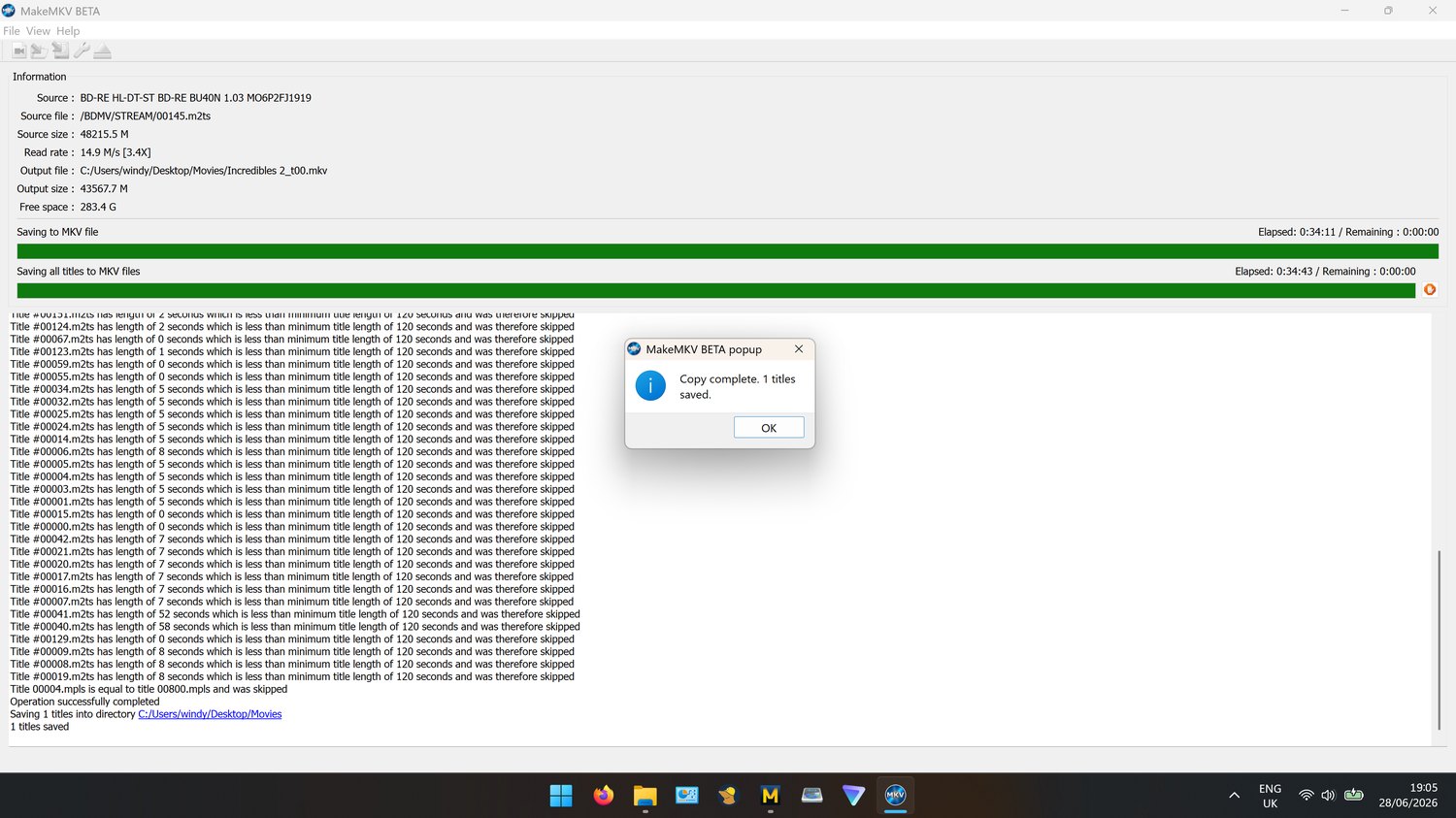
MakeMKV working through a disc on the bench.