Playback · updated June 2026
Playing discs in VLC on a Mac (and why to rip instead)
You can play encrypted discs directly in VLC on Mac or Windows, but it's fiddly and limited. For anything you'll watch more than once, ripping to MKV first is faster, higher quality and kinder to the drive.
If you really want to play in VLC
- Install VLC, then add a current
libaacslibrary alongside it (on Mac,libaacs.dylib). - Add a key database — a
KEYDB.cfgfile in the AACS config location (on Mac,~/Library/Preferences/aacs/). - Insert the disc and open it in VLC. Success is partial and varies disc to disc.
Why ripping is the better route
VLC can't legally ship the AACS decryption library, menus often don't work, and it can't output Dolby Vision, HDR10+ or lossless Atmos. Spinning an encrypted disc directly also adds avoidable laser wear. Rip once to MKV and you get the full quality, every time, with no disc in the drive.
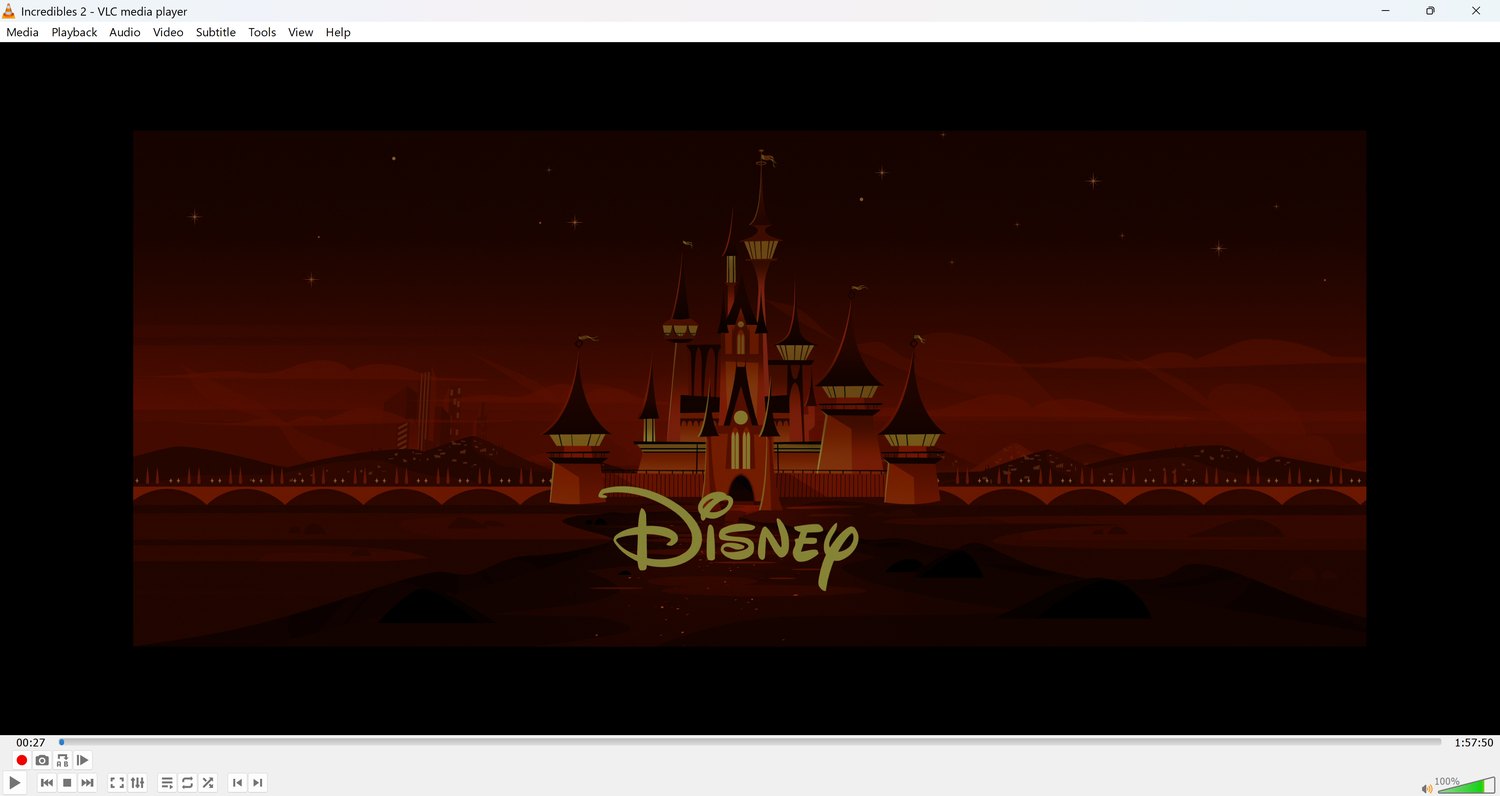
VLC playing a ripped film on Windows.